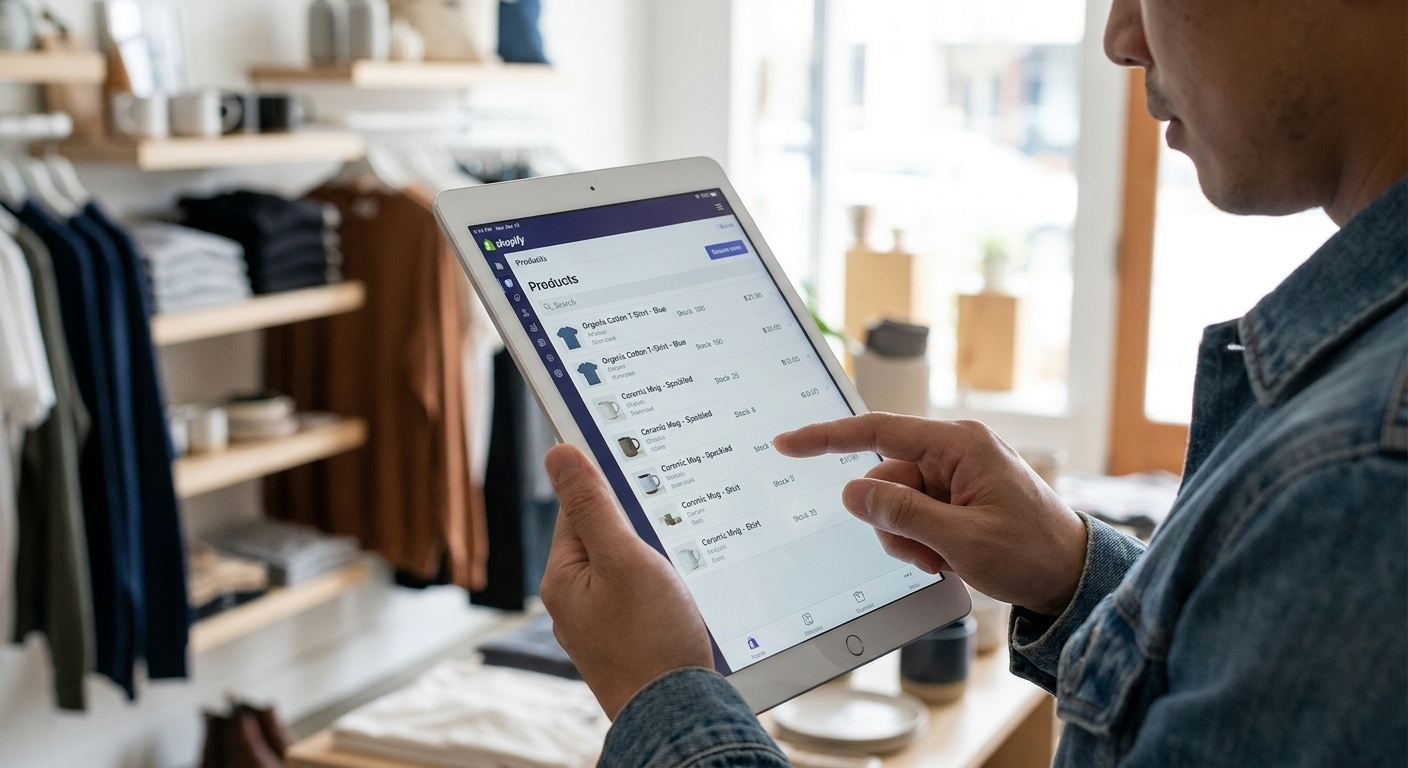
Optimizing your Shopify product feed is one of the most effective ways to improve your advertising performance.
Whether you’re running Google Shopping or Meta ads, your feed determines how your products are shown. After optimizing your feed data, connect it using our Google Merchant Center and Meta & Instagram setup guides.
Use this checklist to ensure your feed is fully optimized.
1. Optimize Product Titles
Your product title is one of the most important ranking factors.
Checklist
- Include brand and product type
- Add key attributes (color, size, model)
- Keep under 150 characters
- Place important keywords first
2. Improve Product Images
Images directly impact click-through rates.
Checklist
- Use high-resolution images
- Avoid watermarks
- Use clean backgrounds
- Show product clearly
3. Write Clear Descriptions
Descriptions help platforms understand your products.
Checklist
- Keep between 100–200 words
- Highlight features and benefits
- Use natural keywords
- Avoid duplicate content
4. Add Product Attributes
More data = better performance.
Important attributes
- Brand
- GTIN
- Color
- Size
- Material
5. Use Accurate Categories
Categories help platforms classify your products.
Tips
- Use Google product categories
- Be as specific as possible
- Avoid generic categories
6. Keep Your Feed Updated
Outdated data leads to errors and poor performance.
Checklist
- Update daily
- Sync inventory
- Update prices
- Add new products
7. Check Data Consistency
Ensure consistency between feed and website.
Check for
- Matching prices
- Correct availability
- Working product URLs
8. Optimize for Each Channel
Different platforms require different optimizations.
Examples
- Google → structured data, GTIN
- Meta → strong visuals, titles
Final Thoughts
A well-optimized product feed is essential for scaling your e-commerce business.
By following this checklist, you can improve visibility, clicks, and conversions across all advertising channels.