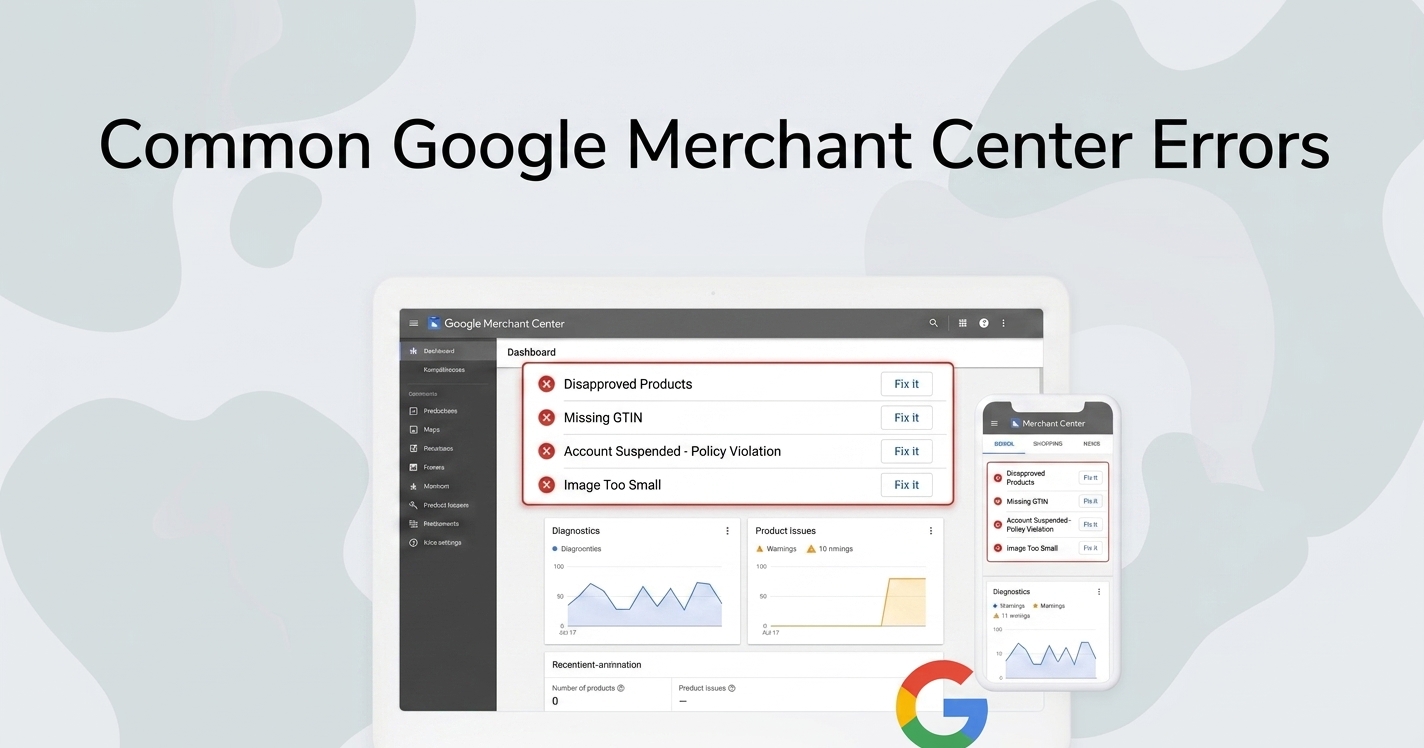
Google Merchant Center errors are one of the most common reasons why Google Shopping campaigns underperform.
If your products are disapproved or have limited visibility, your ads won’t show — no matter how much you spend.
The good news is that most errors are fixable once you understand what’s causing them.
In this guide, we’ll walk through the most common Google Merchant Center errors and how to fix them.
What Are Google Merchant Center Errors?
Google Merchant Center errors occur when your product data doesn’t meet Google’s requirements.
These issues can prevent products from appearing in Google Shopping results.
Errors typically fall into three categories:
- Data quality issues
- Policy violations
- Website mismatches
Some errors result in warnings, while others lead to full product disapprovals.
Price Mismatch Errors
One of the most common issues is a mismatch between your feed price and website price.
Why it happens
Google checks your product page to verify pricing. If the values don’t match, your product may be disapproved.
How to fix it
- Ensure feed price matches your website exactly
- Update feeds more frequently
- Avoid currency inconsistencies
- Check for dynamic pricing scripts
Keeping your feed updated daily often resolves this issue.
Missing or Incorrect GTIN
GTIN (Global Trade Item Number) helps Google identify products accurately.
Why it matters
Products with valid GTINs often perform better because Google can match them to existing catalog data.
How to fix it
- Add GTINs for branded products
- Ensure correct format (no extra spaces or characters)
- Only use GTIN when available
If your product doesn’t have a GTIN, make sure to provide brand and MPN.
Image Issues
Poor or invalid images can also cause disapprovals.
Common problems
- Broken image links
- Low-quality images
- Watermarks or promotional text
Best practices
- Use high-resolution images (1000x1000+)
- Ensure URLs are accessible
- Avoid overlays
Policy Violations
Some products require specific compliance with Google policies.
Examples
- Restricted products
- Missing required attributes
- Misleading information
How to fix
- Review Google policies carefully
- Ensure product data is accurate
- Provide all required attributes
Feed Processing Errors
Sometimes your feed may fail to process correctly.
Causes
- Formatting issues
- Missing fields
- Invalid data types
Fix
- Validate your feed format
- Use consistent structure
- Test feed before uploading
How to Prevent Errors
Prevention is always better than fixing issues later.
Best practices
- Update feeds regularly
- Validate data before submission
- Use structured templates
- Monitor Merchant Center diagnostics
Final Thoughts
Google Merchant Center errors can significantly impact your performance, but they are usually fixable.
By maintaining high-quality product data and regularly monitoring your feed, you can avoid most issues and keep your campaigns running smoothly. If you have not connected your catalog yet, follow our Google Merchant Center setup guide to add your Upfeed feed URL.